
Connect Bazoom to the Tools You Already Use
Jump to section [Open]
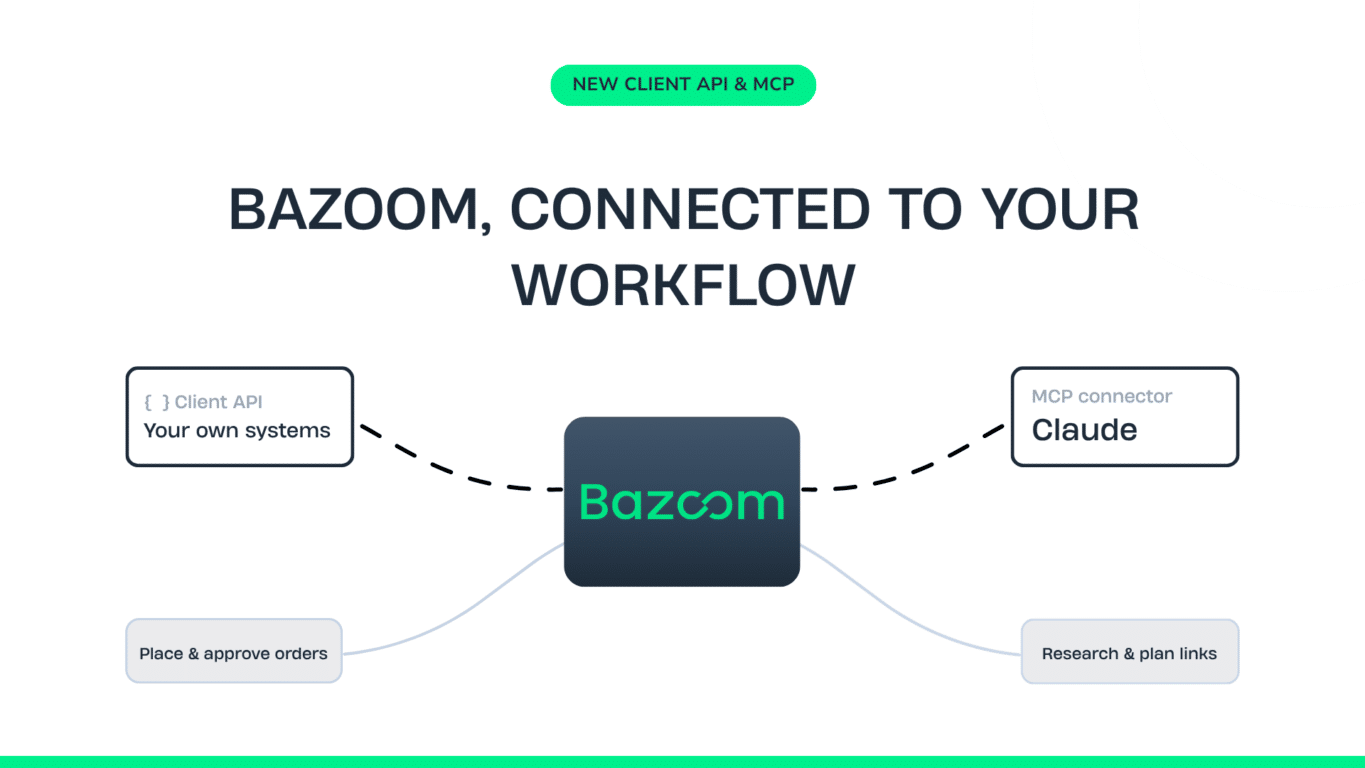
Use our Client API to connect Bazoom to your own systems and place orders directly, or work with Bazoom through Claude using MCP.
You can use the Bazoom platform as you know it today. But you can also connect Bazoom directly to the tools and systems your team already works with.
With the Bazoom Client API, you can connect your own systems to Bazoom and manage parts of the order process directly, including placing orders through the API.
With Bazoom MCP, you can connect your Bazoom account to Claude and use live data to research SEO opportunities, compare competitors, find publishers and plan your next link building moves.
Connect your own systems with the Bazoom Client API
For teams that want a deeper integration with their own technology, we offer the Bazoom Client API.
The API allows your systems to interact directly with Bazoom and currently supports:
- Previewing orders
- Placing orders
- Adding and editing order link details
- Approving content ready for approval
- Disapproving content ready for approval
And yes, you can place and purchase orders directly through the API.
This is particularly useful for agencies and teams already managing campaigns, clients and link building activity through their own systems.
Less manual work when link building scales
A few orders are relatively easy to manage manually. Hundreds of orders across clients, markets and campaigns are a different story.
If your own system already knows the target URL, anchor text and other order information, there is little value in asking someone to enter all of it again somewhere else.
This can reduce repetitive work, remove unnecessary steps and make it easier to manage link building as your volume grows.
Client API documentation
The Bazoom Client API is a JSON REST API documented in OpenAPI 3.1.0 format. To use it, you need an active Bazoom account and a bearer token for authentication.
You can manage your tokens from the API section of your Bazoom profile. If you cannot see the API section, contact your Client Manager about access.
Our full Client API documentation includes endpoint documentation, built-in search and an API tester, so your development team can explore and test the API directly.
Explore the Client API documentation →
The Client API is built for system-to-system integration. If you prefer to work with Bazoom more conversationally, MCP gives you another way to bring Bazoom into your workflow through Claude.
Work with Bazoom directly in Claude
SEO research rarely happens in one place.
You might check your rankings in one tool, analyse competitors in another, look for keyword opportunities and then move to Bazoom when it’s time to find publishers and build links.
You can ask questions like:
- “How is my site performing compared to my competitors?”
- “What keywords should I target next?”
- “Which of my pages are closest to page one, and what could help them move further?”
- “Find relevant German sites about construction within a €500 budget.”
- “Build a link building plan for my three most important pages.”
Claude can use live data connected to your Bazoom account to answer those questions and help turn the findings into something you can actually use.
Find the opportunity and act on it
The point is not just to get another SEO analysis. Bazoom MCP helps connect the analysis with the next step.
See where you stand
Compare your site with your competitors across authority, organic traffic and referring domains.
Find keyword opportunities
See what your competitors rank for that you do not, including opportunities across content and link building.
Find pages with potential
Identify pages already ranking on Google pages 2 to 4 and see the keywords, positions and search volumes behind them.
Find relevant publishers
Search Bazoom’s publisher marketplace by topic, market and budget, with relevant site metrics and real prices.
Build a link building plan
Ask Claude to put the findings together and suggest target pages, keywords, anchor text and relevant publishers.
That is where the integration becomes useful. When you find an opportunity that makes sense, you can move directly towards booking.
Get connected in around two minutes
Getting started with our Bazoom MCP is simple.
- Get your private Bazoom access key
- Add Bazoom as a connector in Claude
- Start asking questions
Your access key is connected to your business, so you only access the data available to your account. The underlying metrics refresh automatically, which means the answers are based on current data.
Should you use the Client API or MCP?
It depends on what you want to do.
If you want to connect your own technology to Bazoom, place orders and manage parts of the order flow programmatically, the Client API is built for that.
If you want to work with Bazoom through Claude, explore your SEO data, find opportunities and build link building plans, MCP is the natural place to start.
And you can use both. One might help your SEO team decide what to do next, while the other helps your systems put those decisions into action.
Either way, you spend less time moving between tools and more time getting the work done.